
Table of Contents
- What Is Notion?
- Key Features of Notion
- Versatile Uses of Notion
- Benefits of Embracing Notion
- Related Reading
- Notion as a Blogging Platform
- Creating Shareable Web Pages With Notion
- Third-Party Tools for Notion Blogging
- Limitations of Directly Using Notion for Blogging
- 8 Good Reasons Why You Should Use Notion for Blogging
- 1. Blog Dashboard
- 2. Map Out and Organize Your Content Creation Process
- 3. Content Calendar for Your Blog
- 4. Easily Write and Format Blog Posts
- Flexible Content Creation in Notion
- 5. Blog Post Templates
- 6. Editorial Task Management Database
- 7. App Integrations
- 8. Embedded Content
- From Notion to a Powerful SEO-Friendly Blog
- Seamlessly Publish Content With Feather
- Try Feather Today for Free!
- Related Reading
- How To Create a Notion Blog Using Notion and Feather in 5 Steps
- 1: Set Up a Notion Account
- 2: Create a Notion Database
- 3: Connect Notion to Feather
- 4: Write Your Blog Posts in Notion
- Enhance Your Posts with Notion's Rich Content Tools
- 5: Customize Your Blog and Publish
- Launching Your SEO-Optimized Notion Blog
- Pros of Using Notion
- All-in-One Platform
- Content Management
- Collaboration
- Collaborative Benefits of Using Notion
- Multimedia Integration
- Accessibility
- Cost-effectiveness
- Cons of Using Notion
- Potential Drawbacks of Using Notion for Blogging
- Considerations for a Streamlined Workflow
- Can Notion Deliver a Professional Blog Experience?
- Custom Domains and Design With Feather
- Boosting SEO and Audience Engagement With Feather's Built-in Analytics
- Related Reading
- Send Emails From Notion and Go From Notion to Blog With Ease Today With Feather
- Customize and Enhance Your Notion Blog
- Optimize Your Email Marketing With Feather

Related Posts
13 Best Blog Platforms To Start Your Blog & How To ChooseHow To Grow Your Blog With These 21 Effective StrategiesBlogging For Beginners To Get Started (24 Tips & Hacks To Start Now)A Detailed Step-By-Step Guide To Start A Blog In 2025Starting A Blog Tips: How To Start, Blog Promotion & Monetization TipsBenefits Of Blogging For Business: 30 Reasons Why You Should Blog
blog_related_media
blog_topic
blog_related_activities
blog_niche
blog_related_tips
unique_blog_element
Are you looking to leverage the benefits of blogging for business with a Notion blog? Imagine having a user-friendly platform that’s easy to customize and update. If you're ready to dive into digital content creation, this blog is for you.
Feather's solution enhances your workflow by allowing you to send emails directly from Notion, keeping your focus on creating compelling content. This excellent tool teaches you how to build and manage a blog or website using Notion.
What Is Notion?
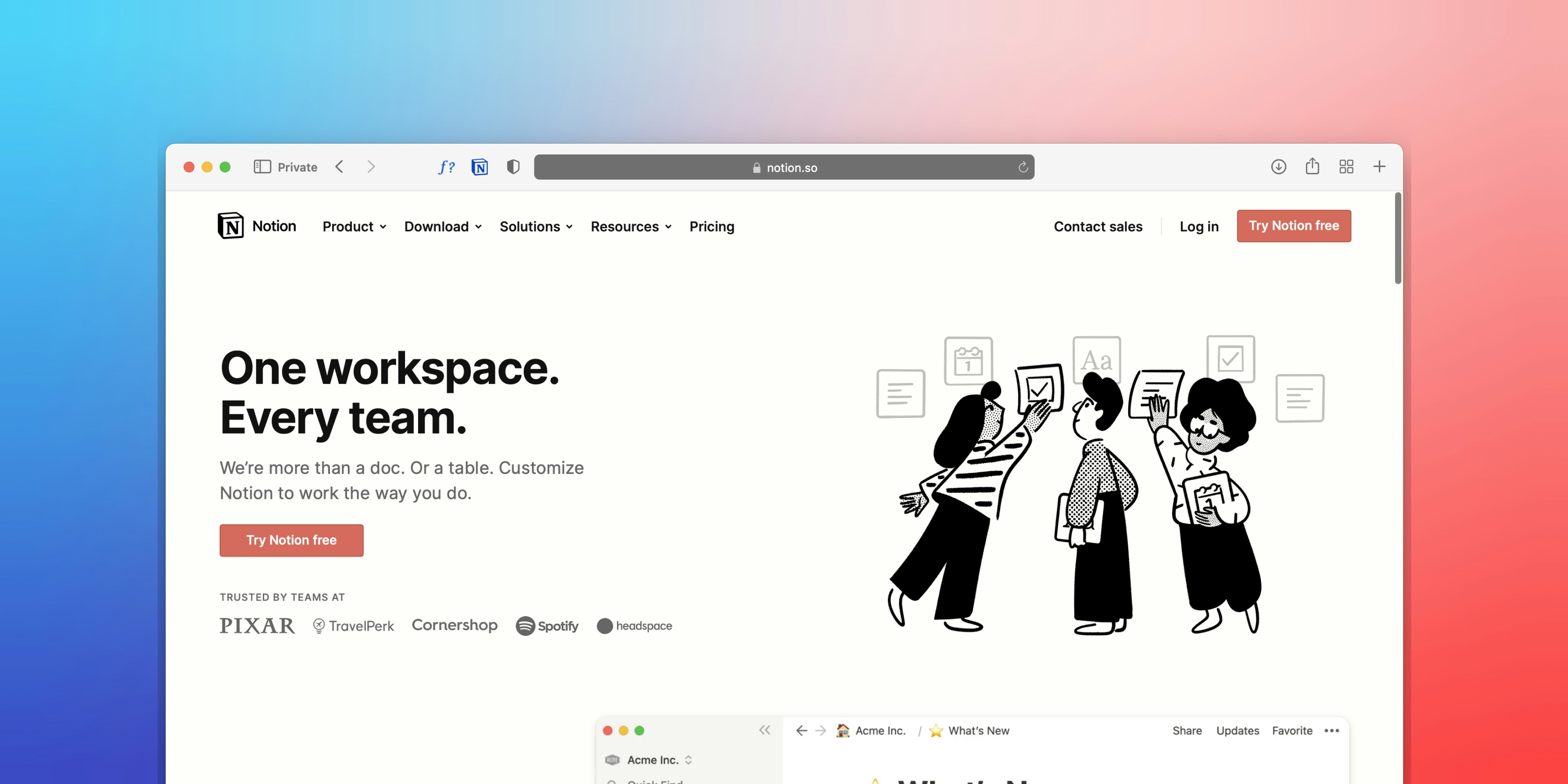
Notion is a versatile tool that transcends the limitations of traditional note-taking applications. Its capabilities extend far beyond merely jotting down thoughts. In essence, Notion is an all-encompassing workspace that can be tailored to suit a wide range of needs. Its basic building blocks can be manipulated to facilitate various functions, making it ideal for organizing multiple areas of your business.
Key Features of Notion
- Consolidates lead data
- Facilitates content creation
- Manages tasks effectively
- Organizes company knowledge bases
Versatile Uses of Notion
- Customer Relationship Management (CRM) system
- Project management tool
- Content management system
- Writing assistant with Notion AI
Notion is an all-in-one solution to streamline and centralize various aspects of your business operations.
Benefits of Embracing Notion
- Boost productivity
- Enhance collaboration
- Optimize workflow efficiency
The possibilities are endless with a tool as versatile as Notion.
Related Reading
Notion as a Blogging Platform

Notion serves as a superb content management system. It is ideal for crafting personal or business blogs.
Creating Shareable Web Pages With Notion
- Craft headings and text
- Add images and videos
- Flexible arrangement options
Third-Party Tools for Notion Blogging
You can dive into Notion directly or use third-party tools like Feather, Bullet.so , Super.so, simple.ink to start a blog using notion. The third-party tools allow you to publish your blogs in a flexible and user-friendly manner easily.
Limitations of Directly Using Notion for Blogging
Note that diving into Notion directly comes with limitations. You simply won't get all the features to design and build your dream blog.
8 Good Reasons Why You Should Use Notion for Blogging

1. Blog Dashboard
Notion provides a comprehensive blog dashboard that acts as the central hub for all your blogging activities. This dashboard allows you to track everything from post ideas to your publishing schedule to your keyword research, making it a one-stop solution for all your blogging needs.
2. Map Out and Organize Your Content Creation Process
Notion simplifies the process of mapping out your content creation journey. By creating linked pages, you can monitor your progress from idea inception to final publication. You can create custom templates for different post types, speeding up the writing process.
3. Content Calendar for Your Blog
With Notion, setting up a content calendar is a breeze. You can create a visual representation of your publishing schedule, enabling you to see when you need to publish new content at a glance. This feature helps you stay on top of your blog's publishing schedule effectively.
4. Easily Write and Format Blog Posts
Notion's robust built-in text editor provides all the tools you need for writing tasks.
Flexible Content Creation in Notion
- Easy text formatting
- Insert images
- Create tables
- More versatile features
Notion's text editor supports Markdown, streamlining your writing process efficiently.
5. Blog Post Templates
Notion offers outstanding support for templates. You can create personalized templates for your blog posts with placeholders for elements such as headlines, meta descriptions, and keywords. When writing a new post, just duplicate the template and fill in the necessary information.
6. Editorial Task Management Database
Notion excels in managing tasks related to your blog effectively. You can create linked pages to track various activities from keyword research to image sourcing. Notion's database support allows you to filter and sort tasks based on different criteria.
7. App Integrations
Notion seamlessly integrates with other apps, such as Google Drive and Trello. This feature allows you to embed content from various services, streamlining your workflow significantly.
8. Embedded Content
Notion supports embedding content, enhancing your posts' engagement. You can embed elements like YouTube videos, Tweets, and more directly into your posts. This feature boosts content engagement effectively.
From Notion to a Powerful SEO-Friendly Blog
Feather, an SEO-friendly blog platform, enables businesses to effortlessly publish blog content via Notion, without the need for coding or design expertise. This innovative tool allows companies to seamlessly write and publish blog content on Notion, which is then automatically transferred to their Feather blog.
One of Feather's standout features is its ability to set up a subfolder blog—domain.com/blog instead of blog.domain.com—which is favored for SEO purposes. Feather enables businesses to manage their CRM and website blog management through Notion, offering a simplified and efficient alternative to traditional methods.
Seamlessly Publish Content With Feather
By utilizing Feather, businesses can easily transition from writing on Notion to publishing their content on an SEO-friendly blog. This integration simplifies the publishing process, allowing the team to collaborate effortlessly.
Feather offers advanced features such as the ability to customize the design using:
- Custom CSS
- Collect emails
With Feather, companies can enjoy the HubSpot experience through Notion, making blog management a breeze.
Try Feather Today for Free!
Feather's notion of blog software is available for free trial. It enables businesses to experience the seamless transition from writing on Notion to publishing their content on an SEO-friendly blog.
Run your blog and newsletter with Feather today - create a new account and send emails from Notion (https://feather.so) or go from notion to blog in minutes!
Related Reading
How To Create a Notion Blog Using Notion and Feather in 5 Steps

1: Set Up a Notion Account
To start your journey with Notion blogging, you must create a free Notion account. Notion is a comprehensive workspace that simplifies writing and organizing your blog content. Having a workspace within Notion lets you have all your content in one place, making it easier to manage and track your progress as you create and publish your blog.
2: Create a Notion Database
The next step is to create a Notion database. A straightforward way to begin this process is to create a free Feather account and duplicate the Notion database that contains all the essential tables like:
- Content
- Pages
- Tags
- Authors
Duplicating this database will save you time and effort, as you won't need to spend time manually creating properties and databases. Feather connects to your Notion workspace and copies all the necessary files into it.
3: Connect Notion to Feather
After setting up your Notion database, you need to connect it to Feather. Once you set up the Feather account, click Next and map the fields to Notion properties. In Feather, paste the Content Database URL and repeat this process for the following:
- Content
- Pages
- Tags
- Authors
To obtain the Database URL, you must open the Content database page, click on Share, and then click on Publish. Following that, click on the ellipsis icon in the Content table, click on Copy link to view, paste this link back in Feather, and press on Connect Database. If you duplicated the Notion database earlier, mapping the properties is unnecessary.
4: Write Your Blog Posts in Notion
With everything set up, you can start drafting your blog posts directly in Notion. Notion serves as your Content Management System (CMS), allowing you to manage all your content in one place.
Enhance Your Posts with Notion's Rich Content Tools
- Add images
- Embed videos
- Integrate other embeds
- Create tables
- Utilize additional rich content features
You can organize your drafts, published posts, and post ideas using various database views. The user-friendly interface of Notion makes it easy to manage your entire blog pipeline efficiently.
5: Customize Your Blog and Publish
In your Feather dashboard, you can now customize the look and feel of your blog. Choose a theme that resonates with your brand, update your navigation menu to improve user experience, connect a custom domain to establish your unique online presence, and more.
Launching Your SEO-Optimized Notion Blog
Once you've fine-tuned your blog to your satisfaction, hit publish, and your Notion-powered blog will go live for the world to see! Feather optimizes your site for search engines, helping your content rank on Google and generate organic traffic. With Notion as your CMS and Feather as your blog platform, you can have a fully functional, SEO-friendly blog up and running efficiently.
Pros of Using Notion

All-in-One Platform
Notion offers a variety of tools, all in one place, to make your life easier. From writing your next blog post to organizing your content calendar, Notion has got you covered! It integrates various tools, improving your workflow and streamlining your productivity.
Content Management
Efficient content management is essential for organizing and displaying information effectively. Notion provides powerful organizational tools like databases and boards, allowing you to structure your content in a way that makes sense for your audience. With easy categorization and tagging features, you can ensure your content is easily discovered and navigable for users, enhancing their overall browsing experience.
Collaboration
Notion offers robust collaboration capabilities, enabling multiple users to edit and comment on documents in real-time.
Collaborative Benefits of Using Notion
- Fosters teamwork
- Enhances productivity
- Ideal for project collaboration with colleagues
- Perfect for working with clients
The shared workspace facilitates communication and idea exchange, making it easier for everyone to work together.
Multimedia Integration
Enrich your blog content with notion to:
- Embed images
- Add videos
- Include audio clips
- Integrate other interactive elements
Notion makes it easy to personalize and enhance your content easily, helping you create engaging and visually appealing blog posts that keep your audience coming back for more.
Accessibility
Accessibility is key in the digital age, and Notion excels. With its cross-platform compatibility, users can access their workspace from any device. Notion also prioritizes accessibility features, ensuring that differently-abled users can navigate and interact with content effortlessly. With cloud-based storage, your blog content is always accessible anytime, anywhere.
Cost-effectiveness
Notion can be incredibly cost-effective for building your website and blog. With free and affordable plans, Notion makes it accessible to individuals and businesses of all sizes. By leveraging Notion's platform, you can eliminate the need for traditional hosting and domain costs, saving you money in the long run. Despite its affordability, Notion doesn't compromise on quality, providing robust features that deliver exceptional value for money.
Cons of Using Notion

Potential Drawbacks of Using Notion for Blogging
Notion has its perks, but it also comes with some cons. The tool can be overwhelming, especially for new users, with its various blocks and templates making it a bit challenging to navigate at first. Plus, Notion lacks built-in analytics tools, meaning you'll have to rely on third-party integrations to gauge your blog's performance.
Considerations for a Streamlined Workflow
The mobile app and integration options are also somewhat limited compared to more established blogging platforms. While Notion does offer some design flexibility, the options are not as extensive as those available on dedicated blogging platforms. Without third-party tools, you might struggle to achieve a polished look for your blog.
Can Notion Deliver a Professional Blog Experience?
Branding constraints are also a potential issue as Notion URLs may not be as professional or brand-friendly as a custom domain. Notion isn't optimized for SEO, making improving search engine rankings and driving organic traffic to your blog harder.
Custom Domains and Design With Feather
Feather, a Notion-based website builder, can mitigate these cons. These tools allow you to publish your blog with a custom domain and design, offering the flexibility to choose the perfect domain name.
Boosting SEO and Audience Engagement With Feather's Built-in Analytics
With built-in SEO features like meta descriptions and keyword tools, your blog will surely grab the attention of search engines. Including analytics gives you insights into your audience, letting you tailor your content strategy for better engagement and reach. Many users have found great success using tools like Feather to enhance their blogging experience and achieve their content goals.
Related Reading
Send Emails From Notion and Go From Notion to Blog With Ease Today With Feather
Feather is a game-changer in the world of business blogging. Create and publish blog content straight from Notion, without the need for coding or design skills. Make your company's mark in the online domain with a subfolder blog for better SEO. With Feather, you can manage your CRM and blog, all in one place.
Customize and Enhance Your Notion Blog
- Personalize appearance with custom CSS
- Collect emails
- Access additional advanced features
Feather allows you to streamline your blog writing process effortlessly. Collaborate with your team throughout the publishing journey, thanks to seamless integration with Notion. Automating blog content from Notion to Feather eliminates the hassle of managing multiple platforms.
Optimize Your Email Marketing With Feather
- Send newsletters directly from Notion
- Consolidate digital marketing efforts
- Run your blog and newsletter in one place
- Save time and energy
With Feather's unique offerings, you get the best of both worlds. Improve your SEO ranking with a subfolder blog, while enjoying the convenience of centralized content creation and distribution.
Give your business a competitive edge with Feather. Send emails from Notion and run your blog and newsletter today!
Written by


.jpg?table=block&id=4c18e643-27f8-4734-baa1-9436157dd225&cache=v2)


.jpg?table=block&id=884b29c0-0265-491b-8e89-740b0f8765fe&cache=v2)

.jpg?table=block&id=d33dc213-44d2-42c8-90a8-f6f3a29b2c9f&cache=v2)








.jpg?table=block&id=08ecf543-f0fb-44b4-85b7-2b9b43f3de8e&cache=v2)


